SCELBI Front Panel and Power Wiring

February 3rd, 2013

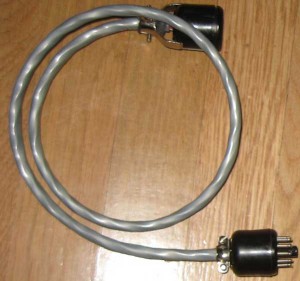
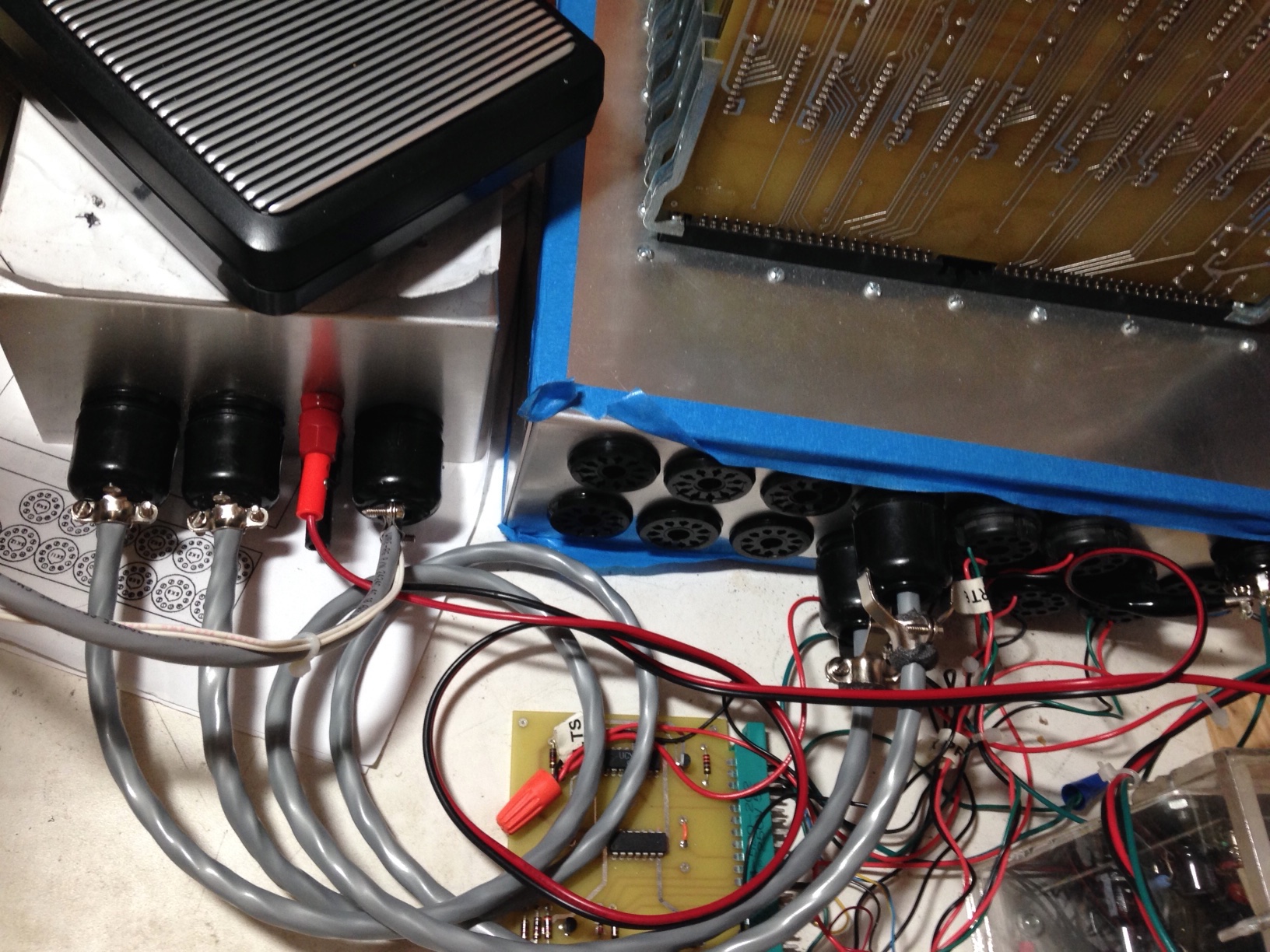
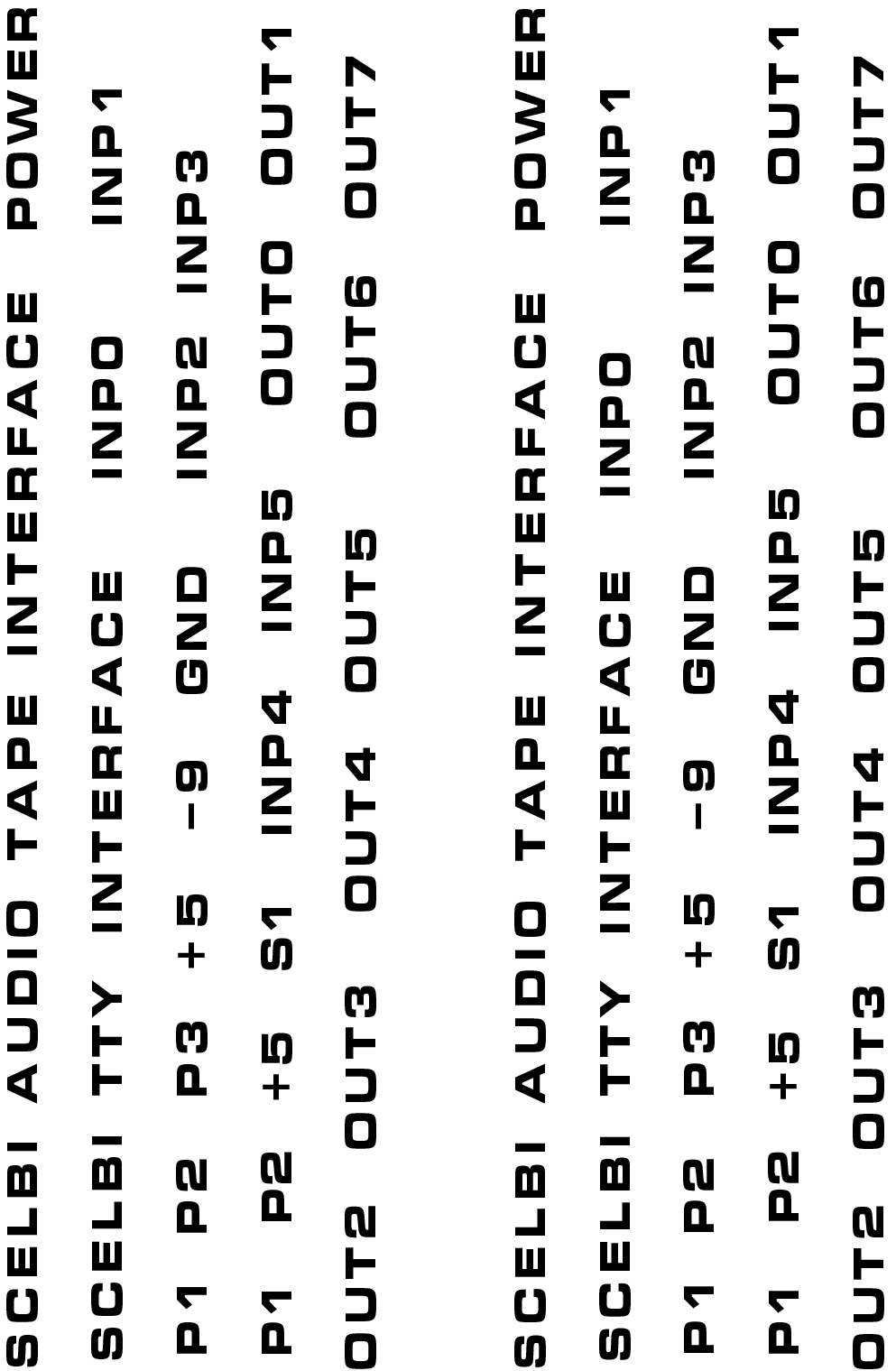
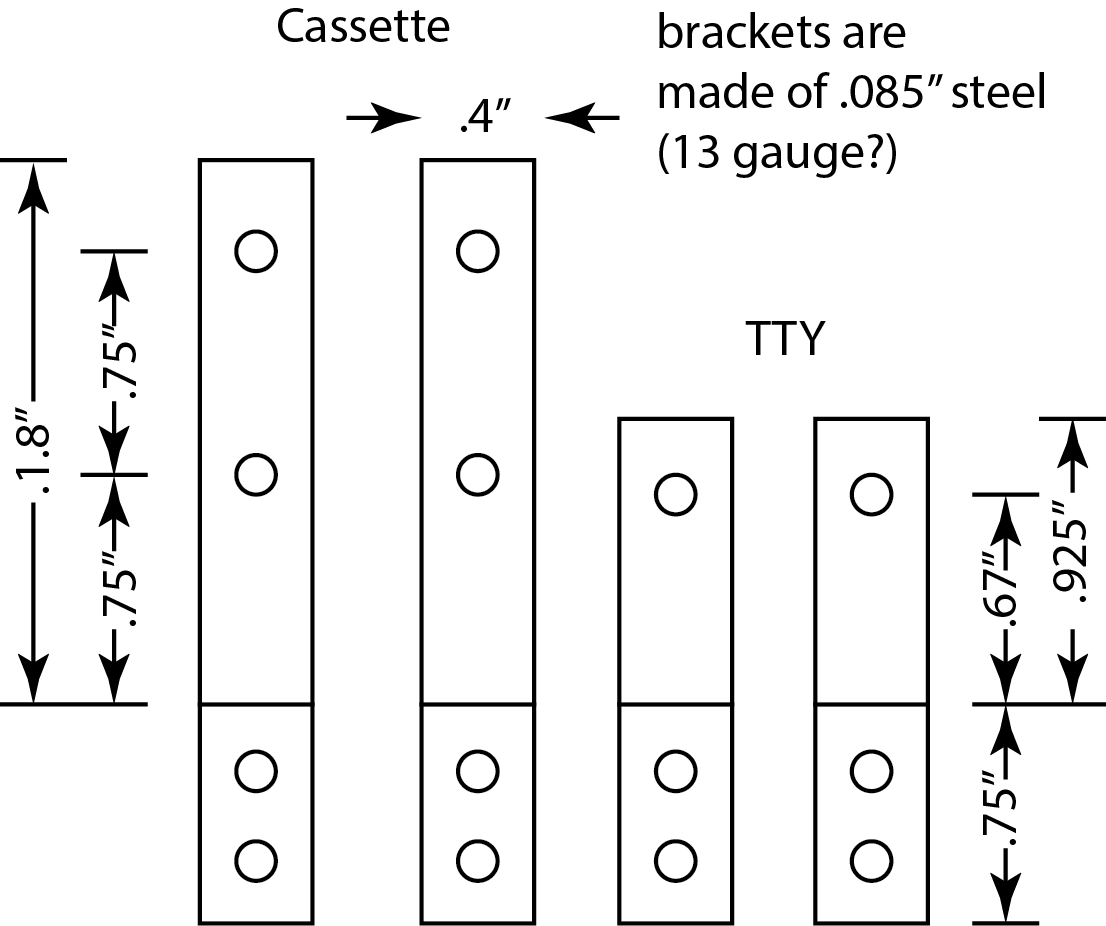
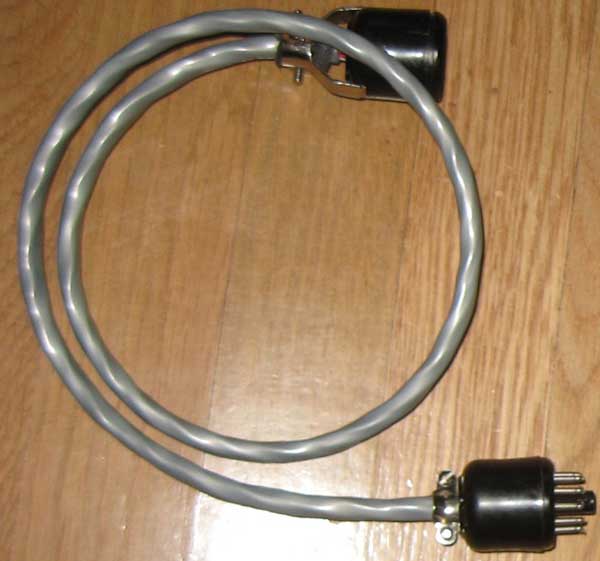
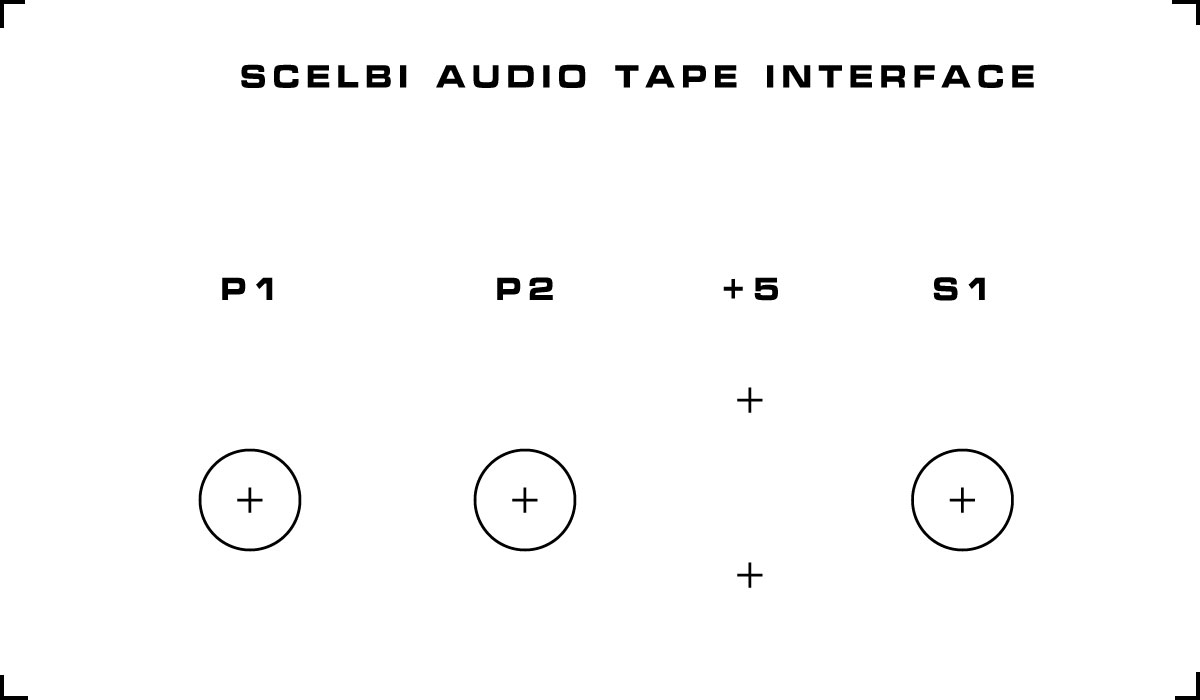
Following instructions in the manual, I wired the front panel switches. I also added a temporary jack for power, until I get something more authentic.

Front panel and power wiring inside chassis

Front panel and power wiring inside chassis

With this setup, once I complete the memory and input boards, I should be able to toggle in a tiny program. Actually I may be able to toggle some instructions directly into the CPU, even without the memory card.

The push button switches should be normally off, with one terminal connected to ground and the other to the control signal. Pull up resistors on the CPU board keep the signal high, until grounded. The toggle switches are connected in a similar fashion. Connect the center terminal to either ground or the data bus input signal and the other to the terminal such that when the switch is in the “up” position, pull up resistors on the input board keep the signal high. When the switch is in the “down” position, the signal should be connected to ground.

ranking and value of willegal.net

February 3rd, 2013

Every once in a while I do some general searches to see if any unusual links connect to willegal.net This time, I came up with this…

According to this site (http://webstats-ranks.com/www/willegal.net) willegal.net is worth almost $15,000. Pretty incredible.

According to the same site, ranking in traffic is 779,337. With an estimated 644,275,754 sites in 2012, it seems my site ranks in the top .12% of all web sites.

DBB Nears Completion

February 2nd, 2013
DBB board

DBB board

Here it is resting on top of an iPad (which is on top of a powerbook).

Only thing left to do is to install the +5 volt bus workaround jumper between resistors R37 and R38 and add the 6.3 volt zerner. For some reason the +5 volt jumper wire isn’t mentioned in the SCELBI instructions. I got a bad batch of Zerners, so I’ll have to install that later on. It draws about a 1/2 amp when applying +5 volts to this board without the rest of the system connected.

Except for the omission of the jumper, the standard SCELBI instructions seem accurate for the DBB board.

In case you didn’t remember from my previous post, here is where the +5V jumper goes.

+5 volt wire on DBB board

+5 volt wire on DBB board

6800 running on a Mimeo 1

February 2nd, 2013

For a while now, we have speculated about how well a 6800 would really work in an Apple 1. Well, a 6800 is running now on a Mimeo. See Lionel’s utube video for proof.

Eric Smith had previously created a 6800 Apple 1 monitor that he ran in emulation. Lionel took that monitor and went to work to make it run on real hardware. Lionel had to make two changes to make it work.

  • the 6800 7404 had to be changed to a slower 74L04 in order to make clock timing work
  • pin 39, which is not connected in a 6501, had to be pulled down to ground with a 10K resistor
  • Kudos to Lionel for making what I think is an Apple/Mimeo 1 first…

    SCELBI Chassis Prototyping

    January 28th, 2013

    Prototype Chassis with backplane installed – top view

    SCELBI chassis-top view

    SCELBI chassis-top view

    This is the result of some hacking of a backplane into a BUD AC413 chassis. The AC413 is the same width (12″) and depth (10″) as an original SCELBI chassis. However the BUD AC413 is 3 inches tall, while the original SCELBI chassis 3.5″ tall. During this prototyping/hacking effort, I found out a few important things.

  • Cutting aluminum is not hard, but it’s best to drill holes with a jig or at minimum use a punch to mark the center of the holes in the aluminum. I eventually used one of the scrap backplanes from the first delivery to create a jig for drilling holes.
  • On a “real” SCELBI chassis, the cutout for the edge connectors fits very tightly around the perimeter of the edge connectors. Making the cutout any larger than necessary, makes it very difficult to locate the support screws on the sides of the backplane. The edge connectors extend 8 7/8″ left to right and 5 5/8″ front to back. The backplane is 9.5″ wide and if the hole is made 9″ wide, that leaves only 1/4″ overlap per side to drill a 9/64″ hole for the #6 mounting screw. If possible, it would be best to cut the hole for an exact 8 7/8″ side to side fit. Though it doesn’t look like it, my prototype left too much space between the edge connectors and the chassis, making fitting the side mount screws a challenge.
  • The cutout starts 1/2″ from the front of the chassis and is centered between the edges.
  • SCELBI Chassis Bottom View

    SCELBI Chassis Bottom View

    A view from the bottom.

  • Screws holding the edge connectors/card guides have both a washer and star washer, but no lock tight on the original SCELBIs. I don’t have card guides and have used 1/2″ #6 machine screws.
  • Screws holding the backplane to the chassis have neither a washer or a star washer, but a held in place with red Locktight on original SCELBIs. I haven’t used Locktight, because I want to find shorter screws and I have more work to do on the chassis with the toggle switches and I/O connectors. The 3/8″ screws are a bit too long on my reproduction. A 1/4″ screw might be a better match to the original.
  • The screws at the front of the backplane do no go through holes in the backplane, but the edge of the nuts hold the backplane in place.
  • When soldering the edge connectors, only the pins with connections and pads are soldered.

    One more thing – I positioned one of the holes for the edge connector mounting screws 1/16″ too far back. This hole will need to be drilled out to properly fit a #6 screw. However the error is so small that the enlarged hole cannot be seen under the nut of the screw or the ear of the connector.

    An insulated stiffener running down the center of the board between the connectors would have been a good addition to this design.

    Stacks of SCELBI PCBs

    January 28th, 2013

    Figured I’d share a picture while I still had a pile of them

    Stacks of SCELBI Boards

    Stacks of SCELBI Boards

    SCELBI CPU clocks

    January 26th, 2013

    SCELBI clocks

    SCELBI clocks


    update: this clock setup is incorrect!, the second clock starts too late and last too long. It must finish before the first clock rises.

    The clocks are adjusted to run at 500 KHZ. Note that the build manual mentions that clocks are supposed to be self starting, but may not start with some user power supplies. Sure enough, I’m seeing this issue with my bench supply. It is easy to kick start by shorting both ends of electrolytic cap C9 (located near trim pots). Note that adjusting these clocks takes a bit of twiddling.

    SCELBI CPU card under construction

    January 26th, 2013

    Here it is, without the CPU socket, which will be made up of old fashioned Molex strips of pins. 7400 series parts are soldered directly to the PCB, without sockets. I will be socketing SRAM parts on the SRAM board, when I get to that.

    SCELBI CPU under Construction

    SCELBI CPU under Construction

    I’ve been following the old SCELBI documentation which can be found here:
    http://www.olson-ndt.com/Scelbi/Schematics2/

    The documentation is actually quite good, which saves me a ton of effort in writing my own. However, I’ll share a few additional tips here.

  • The CPU card contains both 7404 and 74L04 parts. Don’t mix them up like I did. :-)
  • There are 8 1K resistors
  • Actual boards that I have seen, use 3K instead of 3.3K resistors
  • The 5K trimming resistors have the pin that is offset from the other 2, offset by 10 mills. Bourns offers two spacings, either 20 mills or 10 mills. Somehow, though I knew the difference, I ended up with the wrong version. I was able to bend the pin under to fit, for now, until I am able to replace them with the correct part.
  • The are 8 1N914 diodes and 2 zener diodes. The document only mentions 9 diodes.
  • I’m using modern 6.2 volt and 12 volt, 5 watt zener diodes for the over voltage protection circuit. Actually, I don’t have the 6.2 volt ones on hand, at the moment, so they will be installed later. The leads on the 12 volt zeners are too big for the holes, so I drilled out the hole with a 3/64″ bit mounted in a pin vise. I drilled in a bit in from each side, rather than straight through from one side, so I didn’t risk delaminating the pads. This effectively removes the plating, so I soldered the end that had a trace on the top side on both sides of the PCB. This isn’t noticeable.
  • After soldering, I clean the flux from the board with isopropyl alcohol.
  • I obtained parts from http://unicornelectronics.com, http://www.onlinecomponents.com and http://www.mouser.com. It is possible that Unicorn may be able to supply complete parts kits in the future, as I am going to provide them a complete BOM, once I get the prototype working.

    batch of custom chassis

    January 25th, 2013

    Cory is working on getting a batch of custom Bud chassis made for the SCELBI and needs a head count.

    Here is the information that Cory has on this custom build

    I have gotten a quote from Bud on a custom chassis to match the measurements we have of the “factory” one.

    The chassis will still require drilling for holes, but will be 3.5″ and will have the cutout for the backplane. I didn’t want to have the holes cut because I’m not sure exactly how that will turn out. But holes should be easy with the correct bit and hole saw (cheap and easy enough).

    The cost is around $43 for each plus shipping for a quality of 10. Since I have to order them together figure with shipping of the 10 to my home and then shipping it back out, the final cost should be around $60 each. I’m in for 2 plus 1 for the MARCH museum at InfoAge in NJ. So that is 3 out of the 10. If we order 20, the cost is about 4 dollars less per unit, so I’m not too concerned about making 20. But 10 would be the minimum order.

    Who else is in and how many do you want? I’d like to place the order early next week. Also for the front panel I just need some final double checking of measurements so I can double check the front panel, they will be around $100 plus shipping in anodized blue with engraving/white paint for the lettering. I will also be placing orders for some without engraving so that we can use a home silk screen kit to make the lettering. When I’m ready to order just let me know which type you want.

    send an email to corey@myapplecomputer.net to get on the list.

    SCELBI PCB beta/introductory special sale

    January 24th, 2013

    Beta sales of SCELBI boards sets is open from now through February 1st. The special beta/introductory price for a board set during this beta period is $225.

    The board set includes:
    1 Front Panel PCB
    1 CPU PCB
    1 DBB PCB
    1 INPUT PCB
    1 SRAM PCB
    1 Backplane PCB

    You can optionally add an untested 8008D microprocessor for an extra $25.

    Shipping within lower 48 US states is free – shipping elsewhere is $35. Shipment will occur around February 2nd.

    Notes:
    Only 1 SRAM board allowed per set in this initial sale. Once system operation is confirmed and I get an idea of amount of interest, I’ll get another batch of SRAM boards made and will offer them for sale.

    Like the original SCELBI, all boards are two sided with plated holes and a 2 OZ copper layer. There is no solder mask or silk screen.

    Chassis mounting holes for the backplane PCB were purposely left off, in order for the builder to precisely drill holes to match holes in the builders particular chassis.

    At this time, I only know of one minor issue with the board set. That is that the holes for the over voltage protection zerner diodes were not made big enough for some higher wattage zerner diodes that have thicker leads. The easy fix for this, is to drill out the holes and, where necessary, solder from both sides of the PCB to ensure connectivity between front and back sides.

    During this special pricing period, PCBs and the 8008 should be considered untested prototypes that might possibly require some rework to be made to work correctly.

    Find more about the SCELBI, bill of materials, reference information, progress in bringing it to life, by following my 8008 blog category at http://www.willegal.net/blog/?cat=16

    Please send an email to mike@willegal.net for payment information.